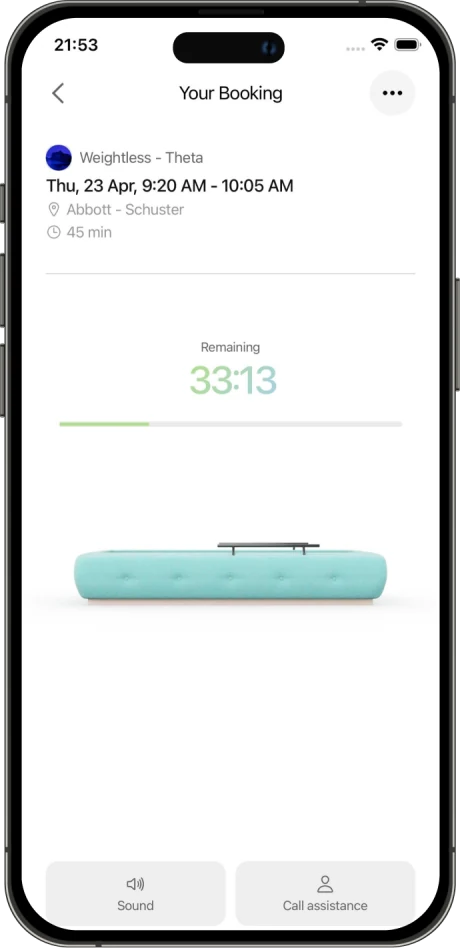
A tap when they need you


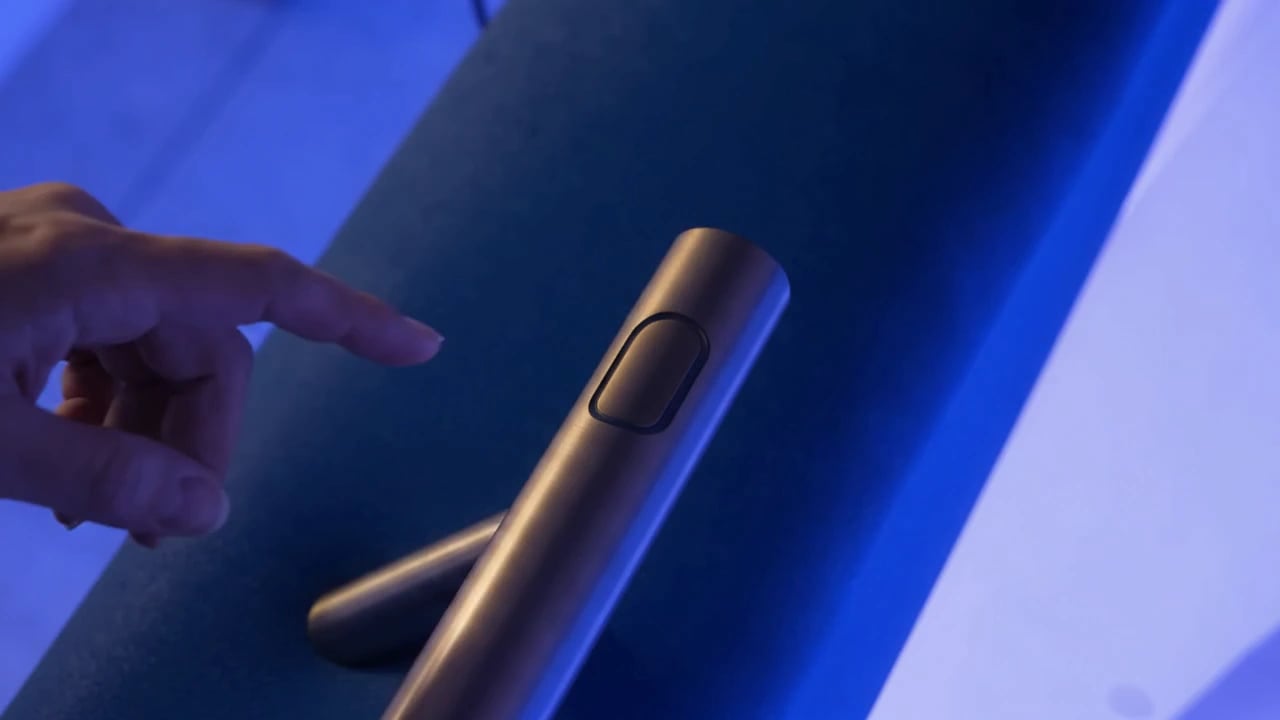
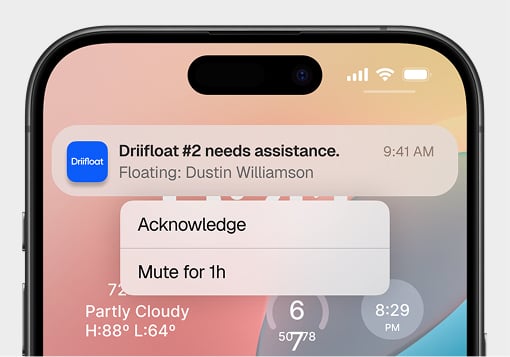
When a guest presses the button on the handle, a notification reaches your phone — so you can step in quietly, without interrupting anyone else’s session.
Apps
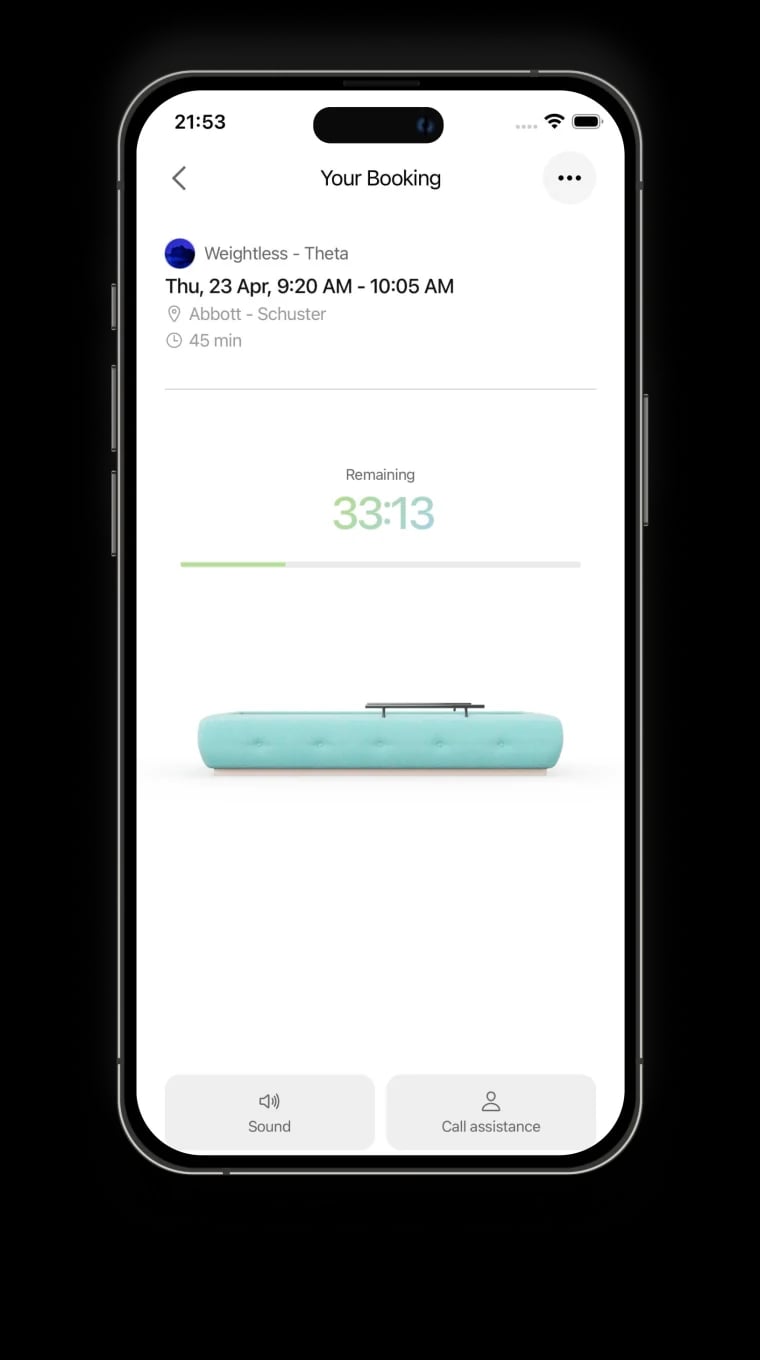
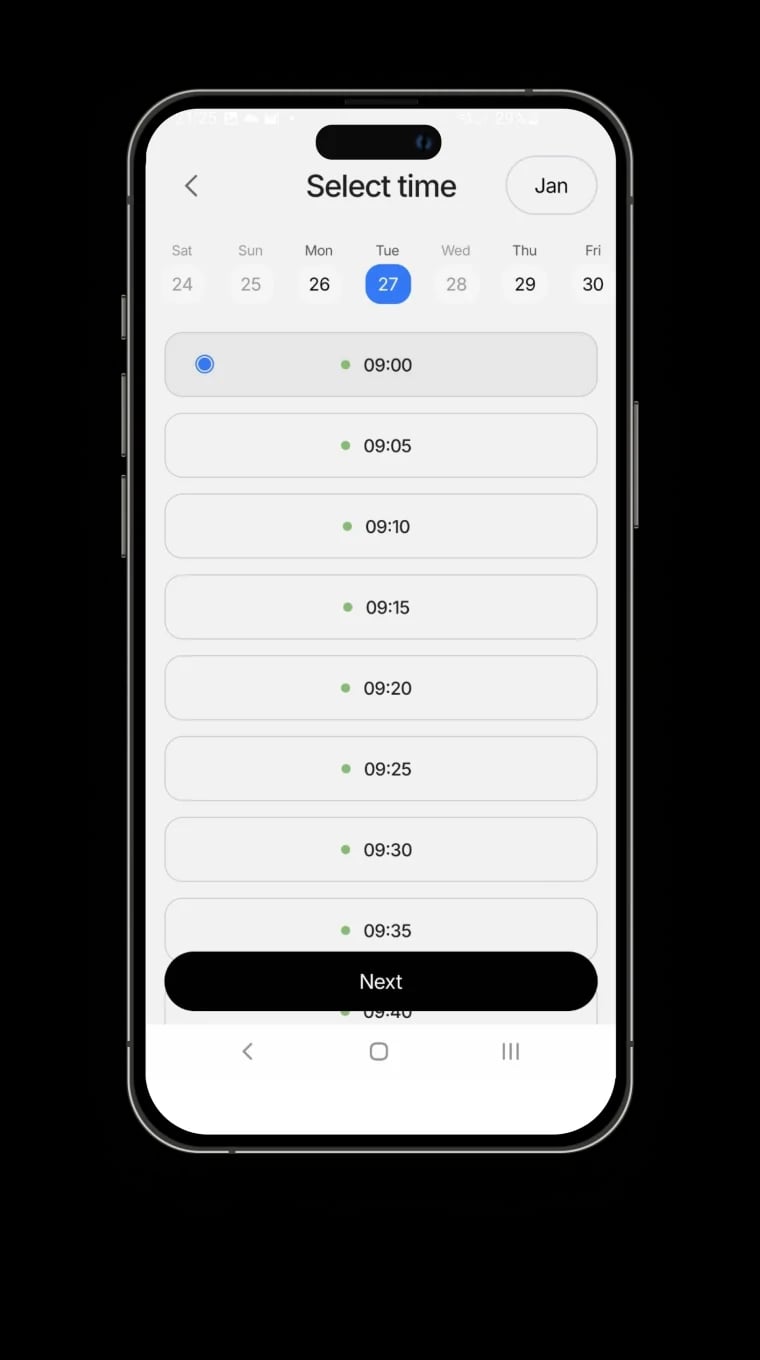
Guests book from their phone or check in at a kiosk. Your team runs every Driifloat from one dashboard. Everything stays in sync.
10,000+10,000+
floats run on Driifloat software
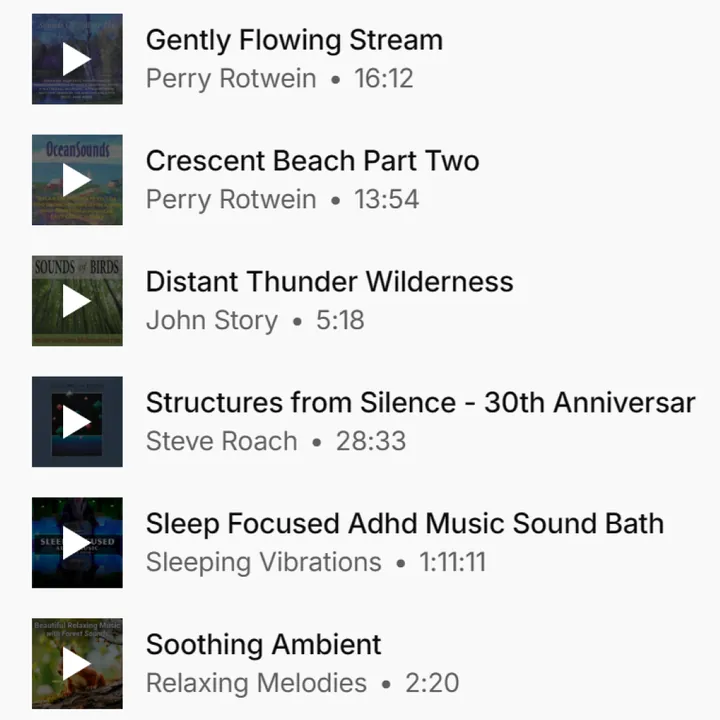
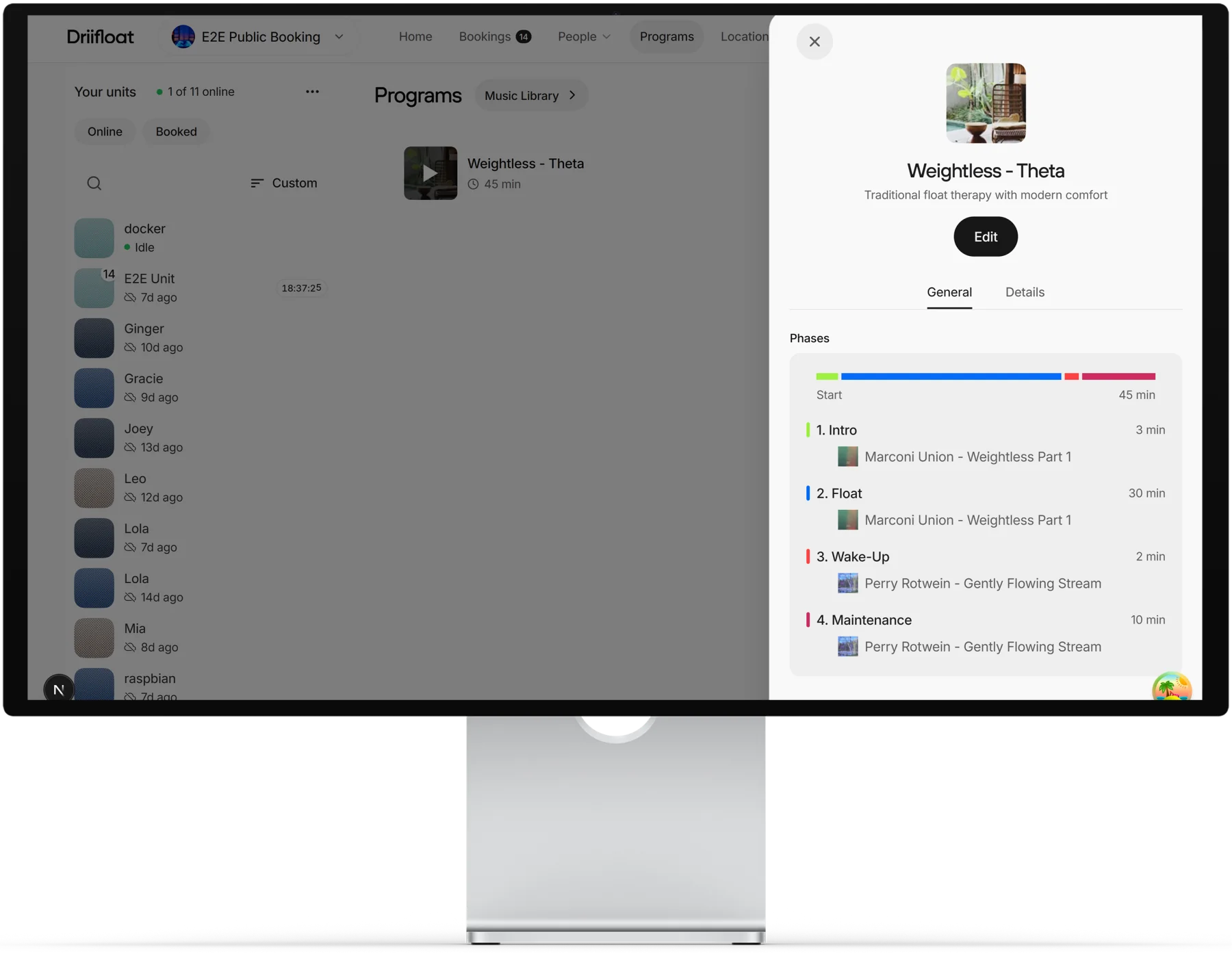
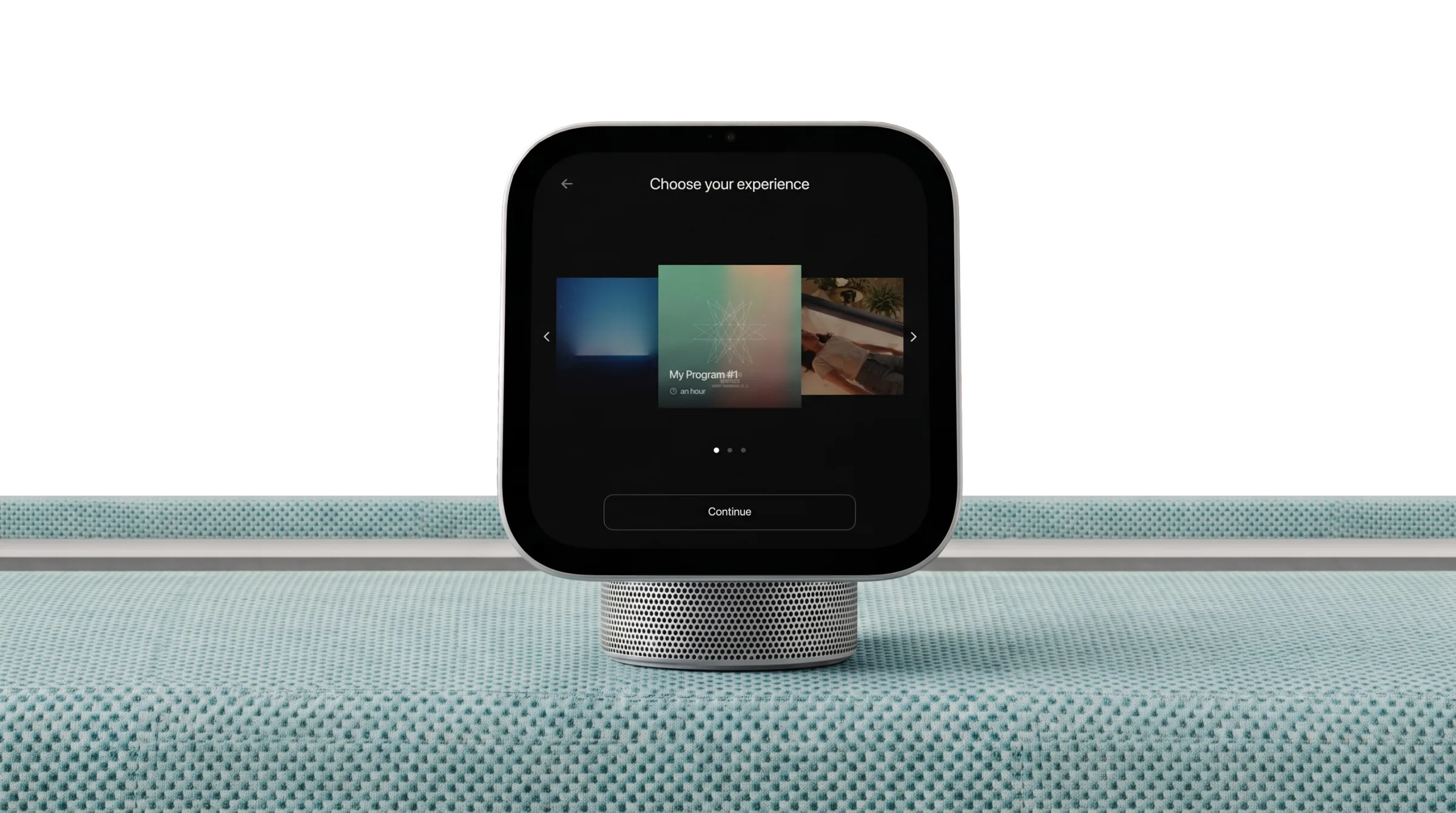
Run every Driifloat from one dashboard. Upload your own music, shape each float into phases, and book or adjust sessions from any browser. Then listen in live to hear exactly what your guests hear.

Upload your music. Add your own tracks to one shared library.
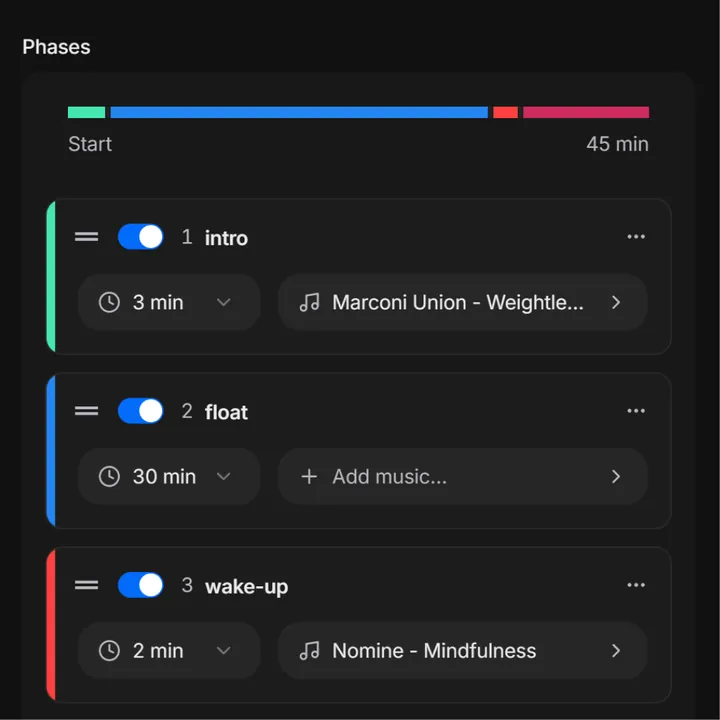
Design your program. Shape every float, phase by phase.
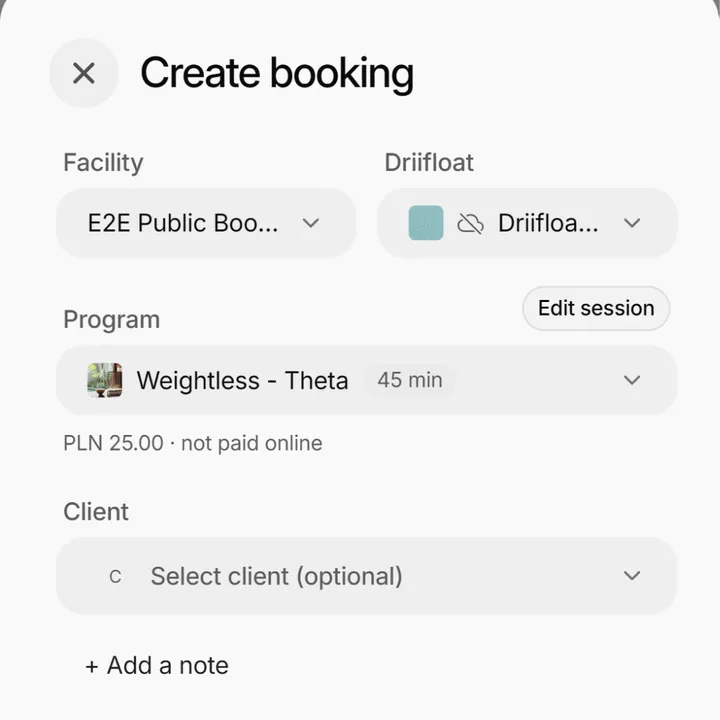
Create sessions. Book guests and fine-tune any session.
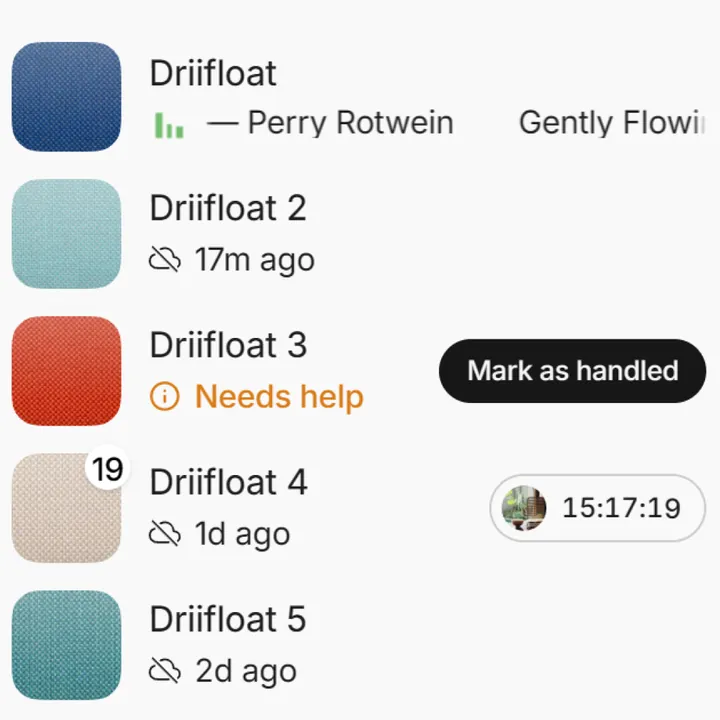
Monitor your Driifloats in real time. See what every Driifloat is doing, live.
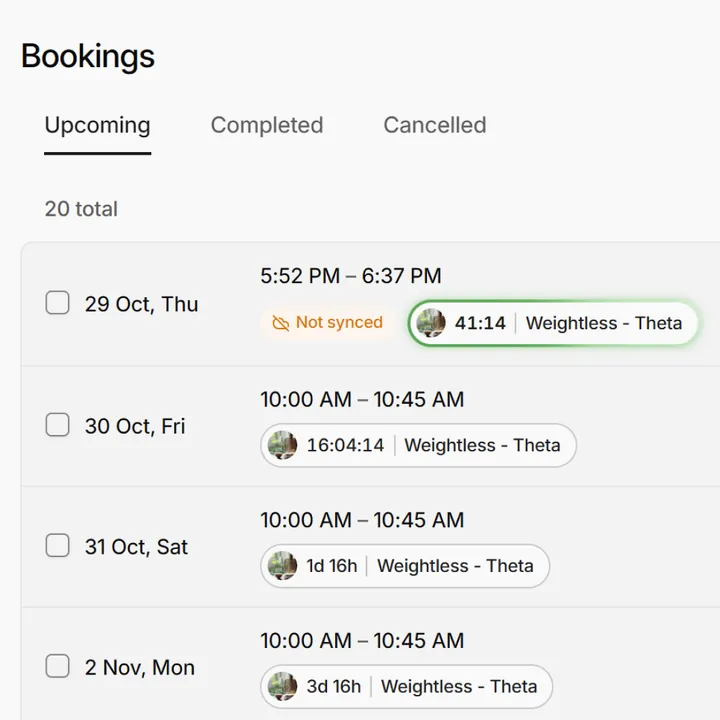
View your bookings. Keep track of every session, past and upcoming.
When a guest presses the button on the handle, a notification reaches your phone — so you can step in quietly, without interrupting anyone else’s session.
Kiosk mode
Turn any screen into a self-service check-in. Walk-in guests pick a session and begin on their own, so your front desk stays calm, even on your busiest day.

Online booking
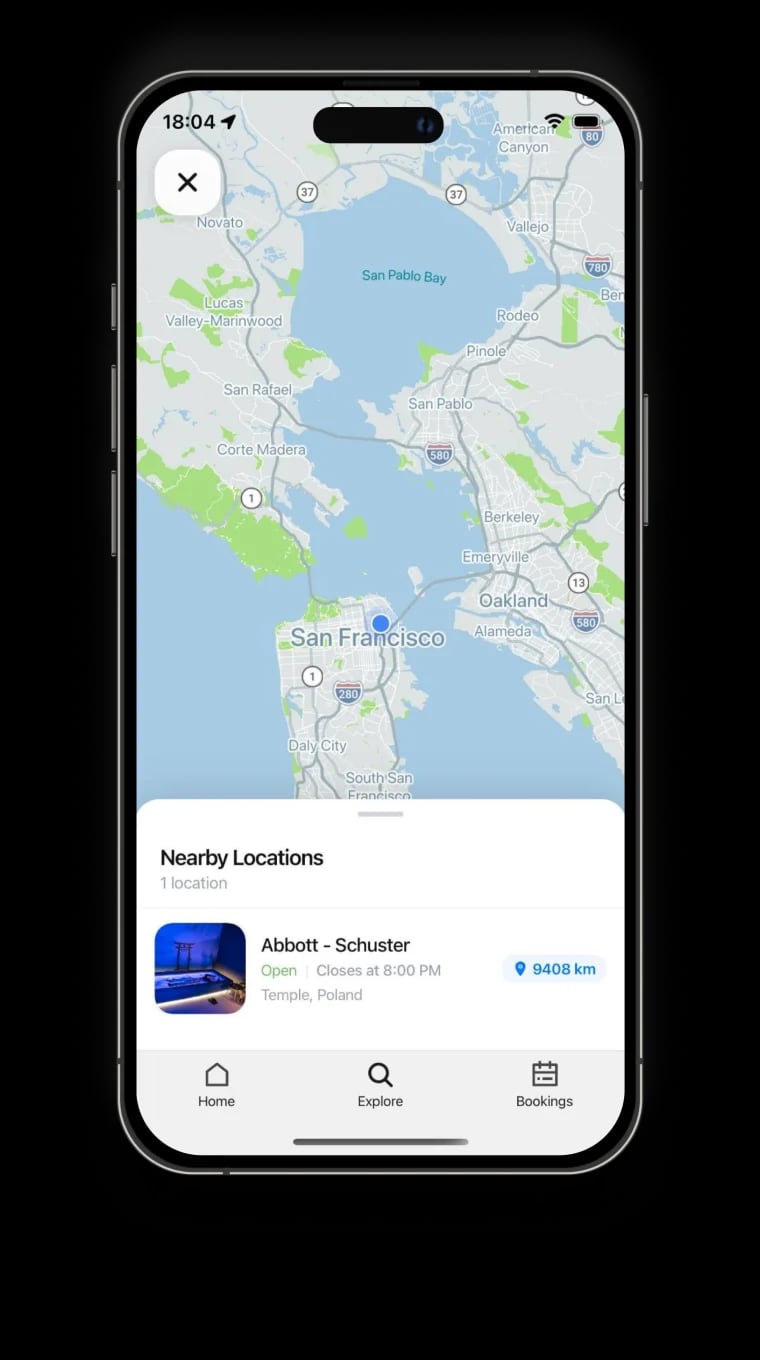
Guests find your location on the map in our mobile app.


FAQ
It’s included. Online booking, kiosk mode and the manager app come with every Driifloat, with no subscription or ongoing software fee.
Yes. Every location gets a public booking page, and you can embed the booking flow on your own site as an inline widget, a pop-up or a corner button. For emails and newsletters, share a plain booking link.
Only if you want to. Bookings can confirm automatically, or wait for your team to accept them. Until then, guests see that their request has been received.
A tablet with a web browser. Launch kiosk mode from the Driifloat’s page in the manager app and set a four-digit exit PIN. For a permanent setup, also lock the tablet with Guided Access on iPad or kiosk mode on Android.
Yes. Upload your own tracks to the music library and assign them to each phase of a program. Play through the Driifloat’s wired output or a Bluetooth speaker or headphones, and stream from Spotify Premium through Spotify Connect when no session is running.
When a guest presses the help button on the handle, an alert appears in the manager app for everyone on your team, and it can also reach your phone as a push notification. Once someone marks it as handled, it clears for the whole team.
Yes. One account can cover several locations. Switch between them in the manager app, and each location keeps its own Driifloats, programs and booking settings.
No. The manager app runs in any modern browser on a computer, tablet or phone, so your whole team can sign in from wherever they work.
Yes, if you want. Each team member can turn on emails for new, cancelled and rescheduled bookings.
Get started
Book a short call and we’ll walk you through booking, kiosk mode and the manager app with your own setup in mind.